Routes first
Import GPX, FIT or Strava routes and see how wind shapes the whole ride.
 BikeWind
Road, gravel and everyday training
BikeWind shows wind on your routes and helps you choose the best time to ride.
No account required. GPX, FIT and Strava import are optional.
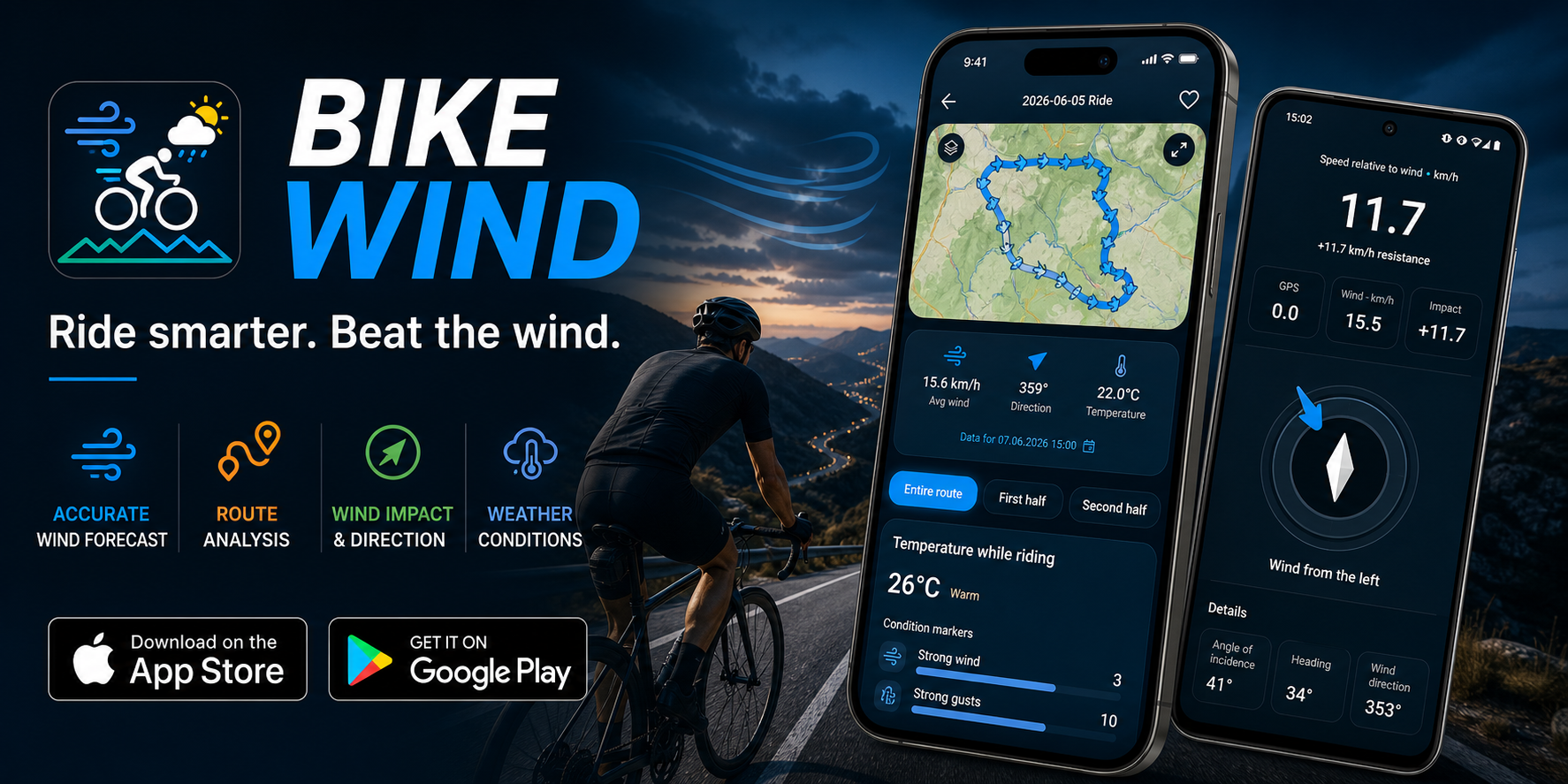
Before training and during the ride
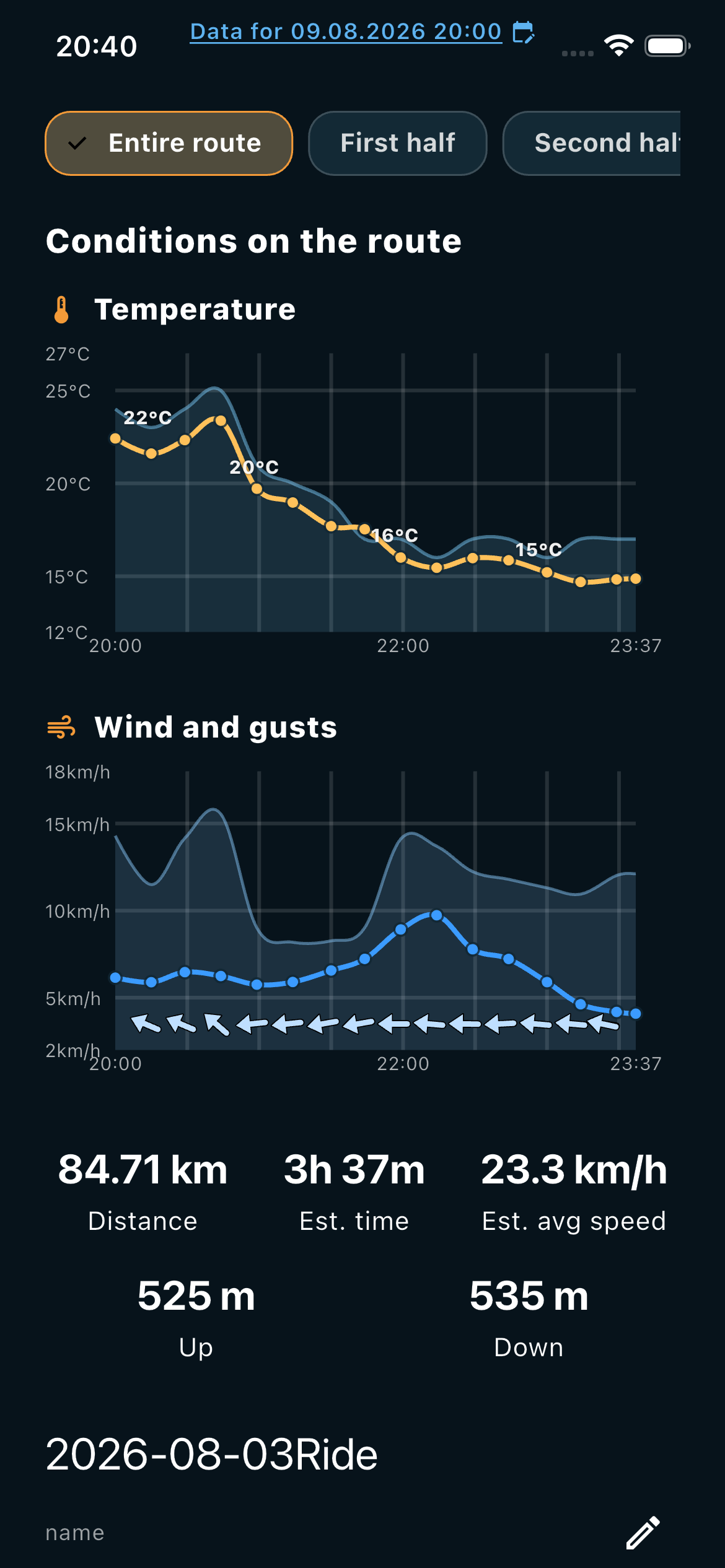
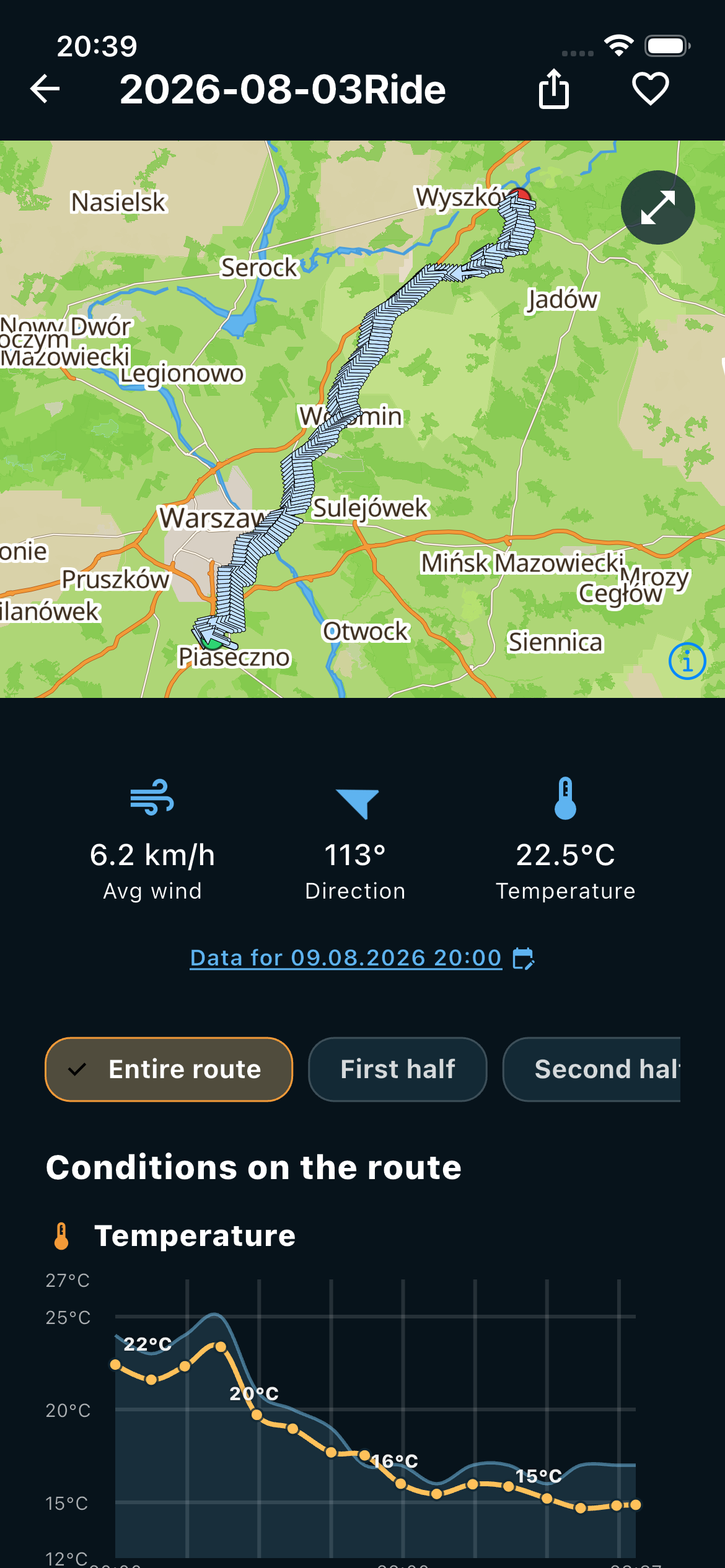
A closer look at the same app across weather, live riding and route details.
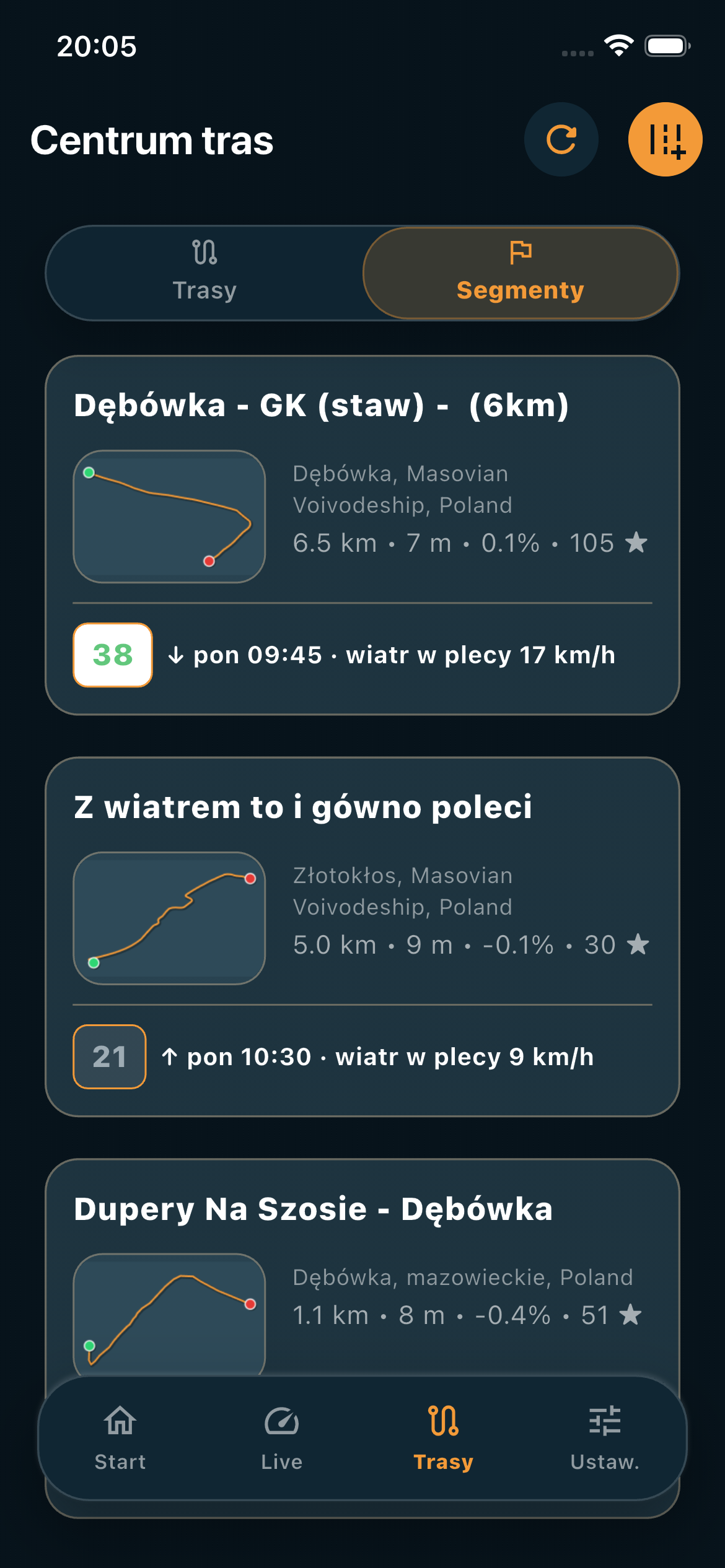
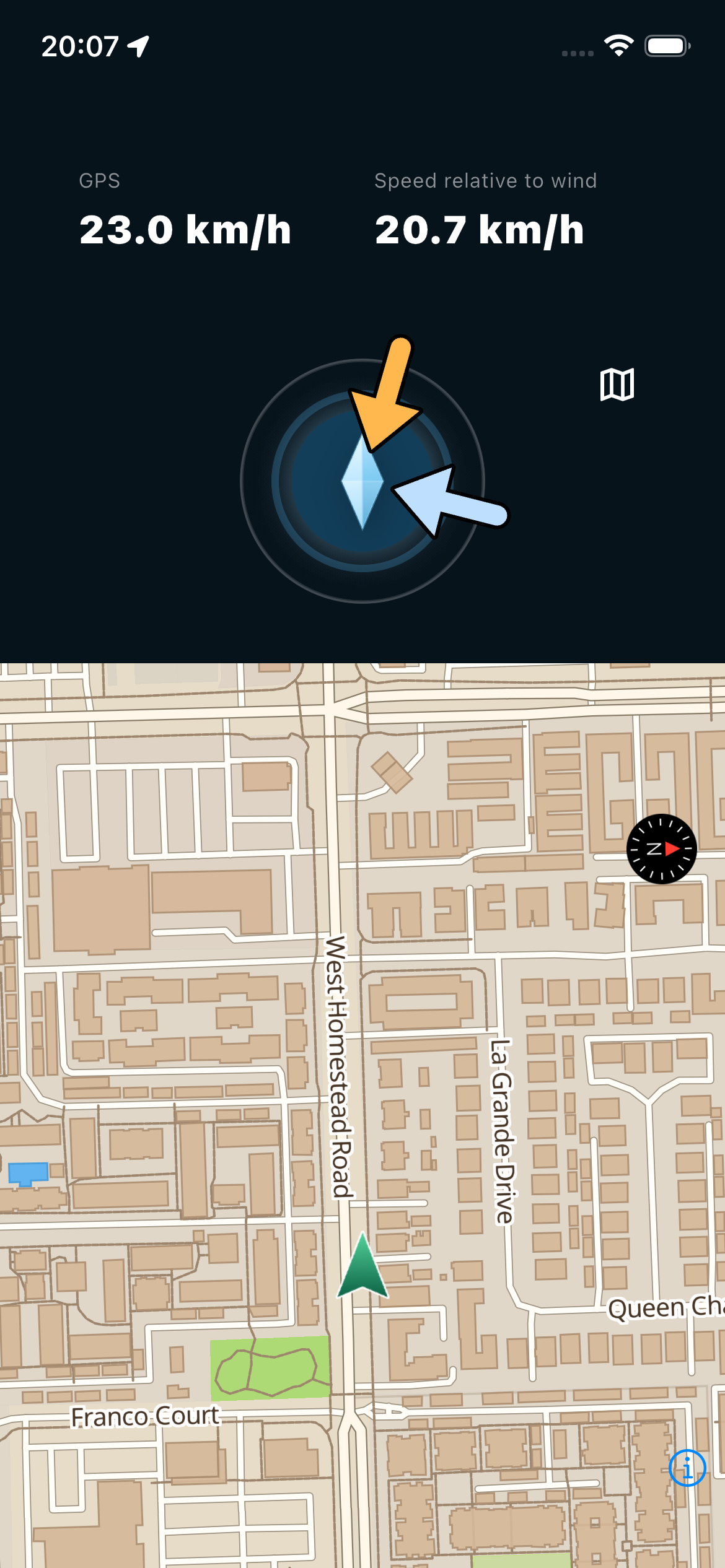
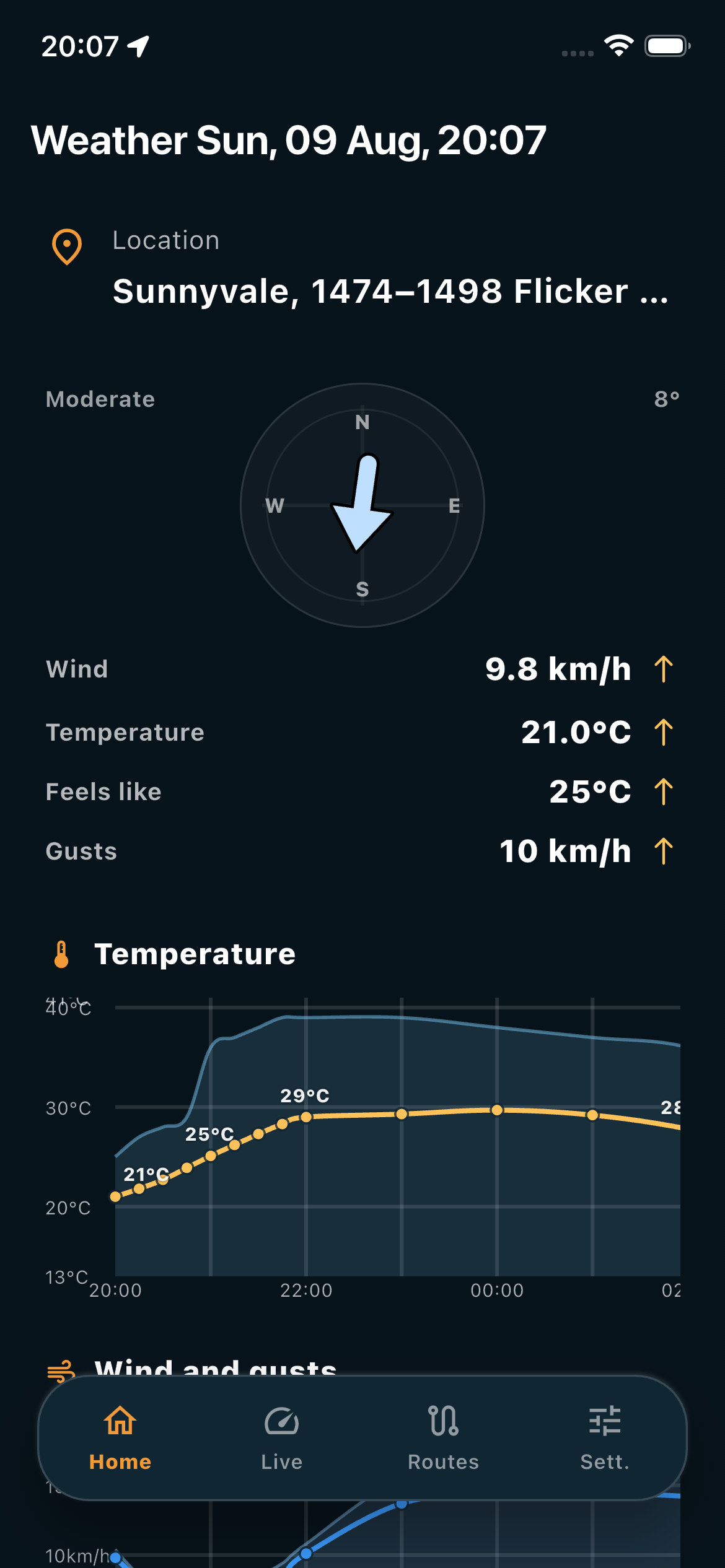
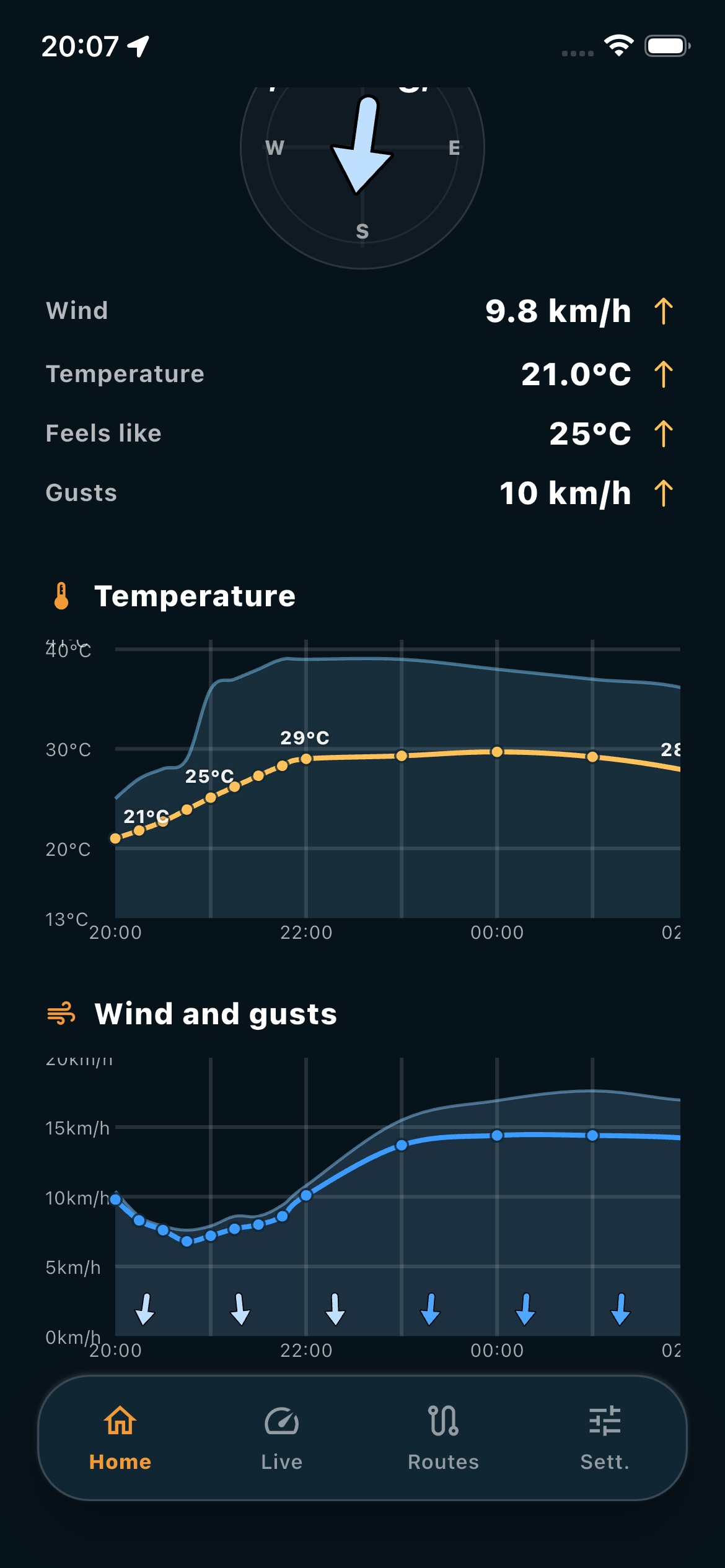
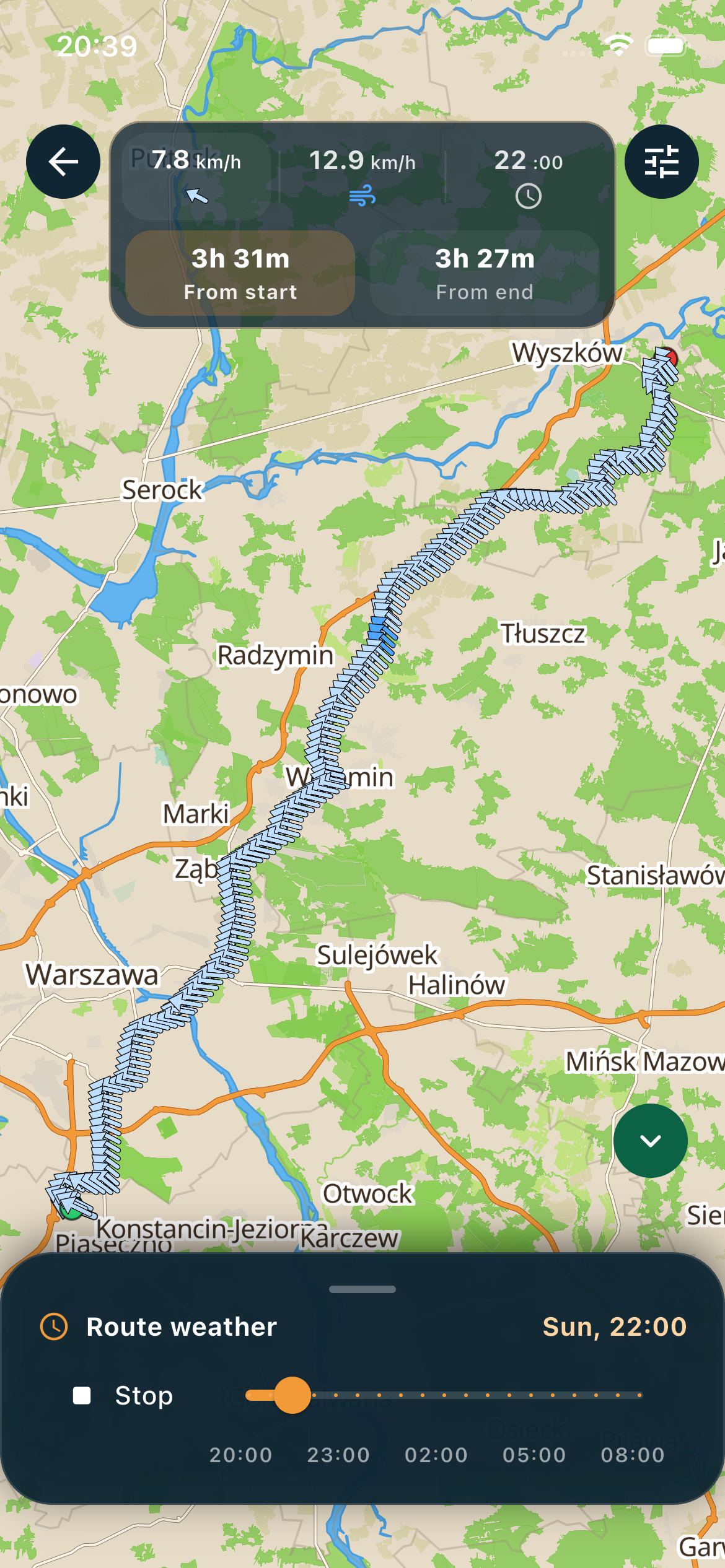
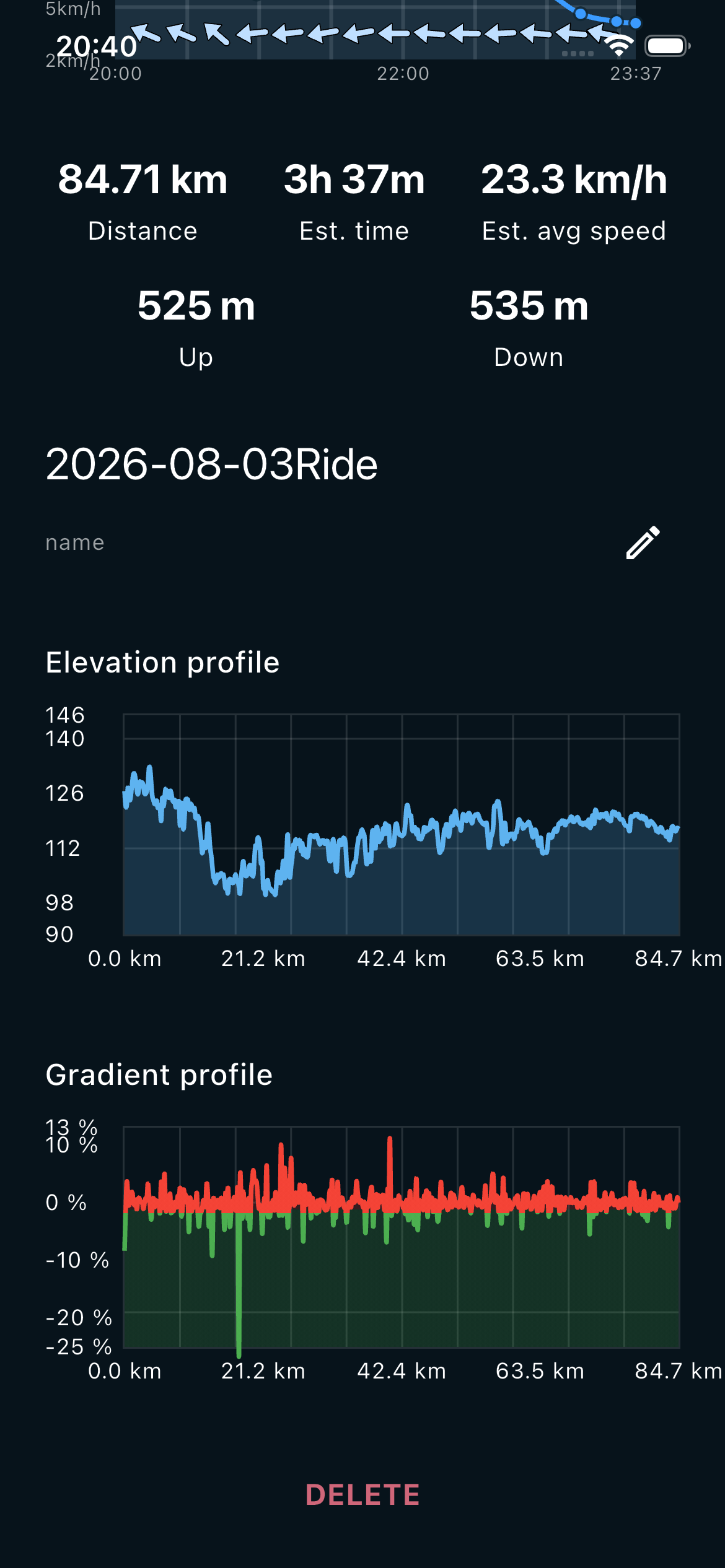
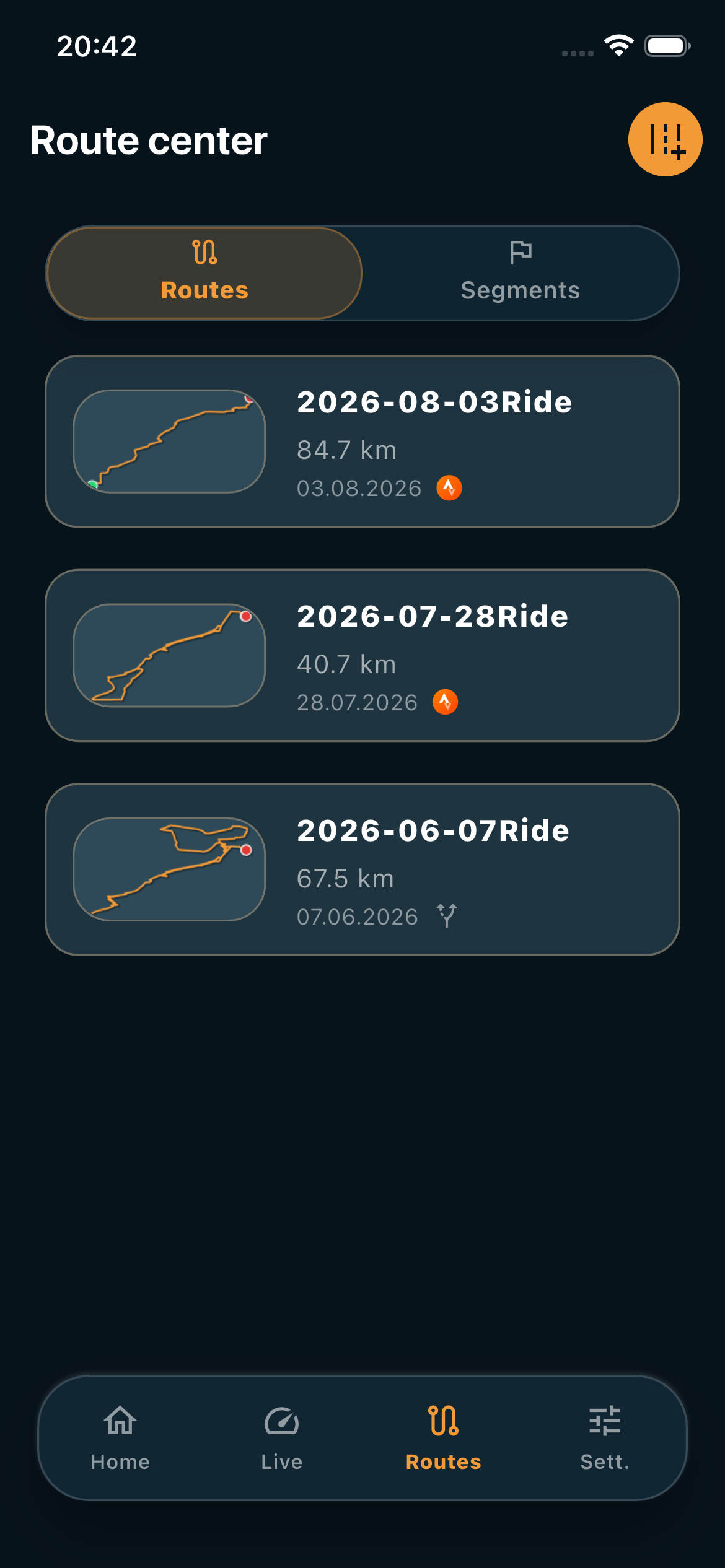
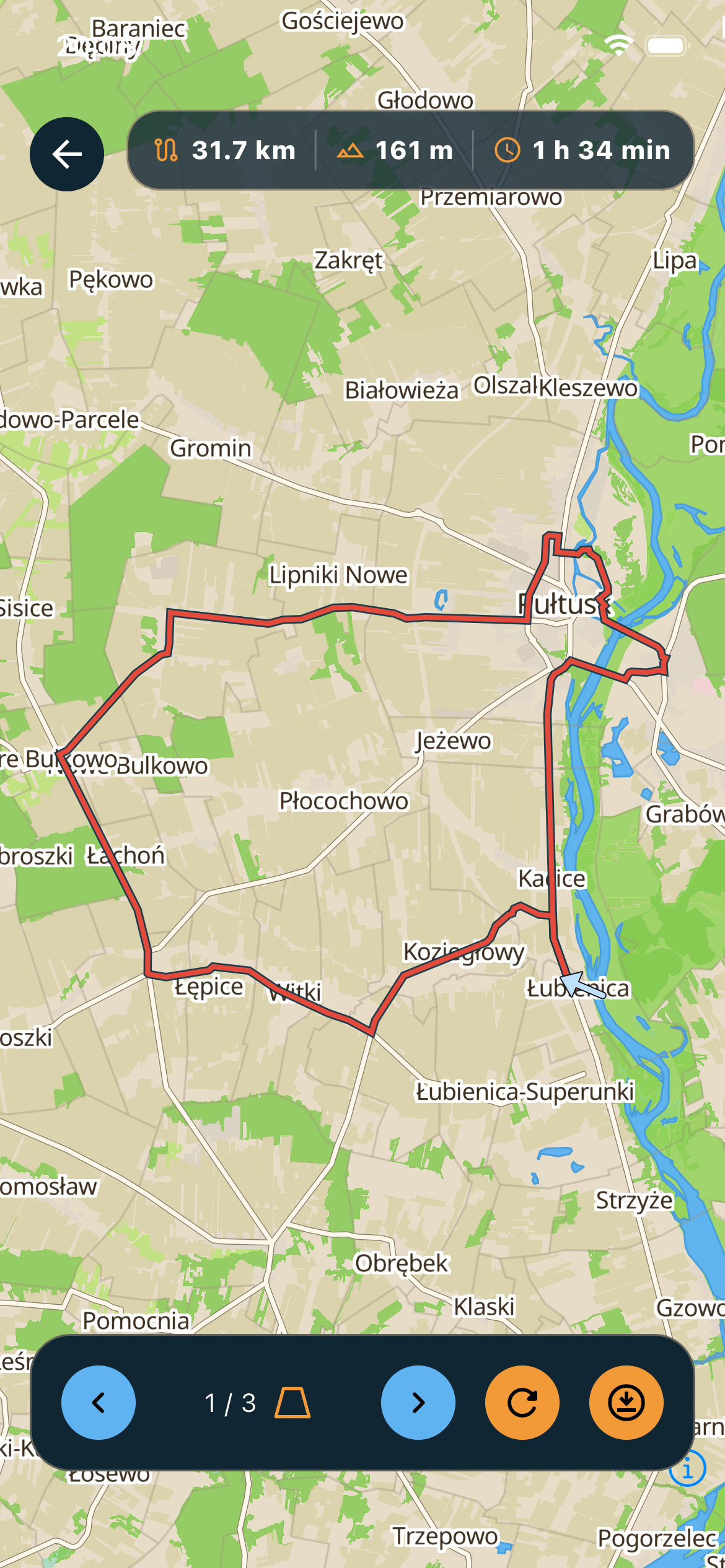
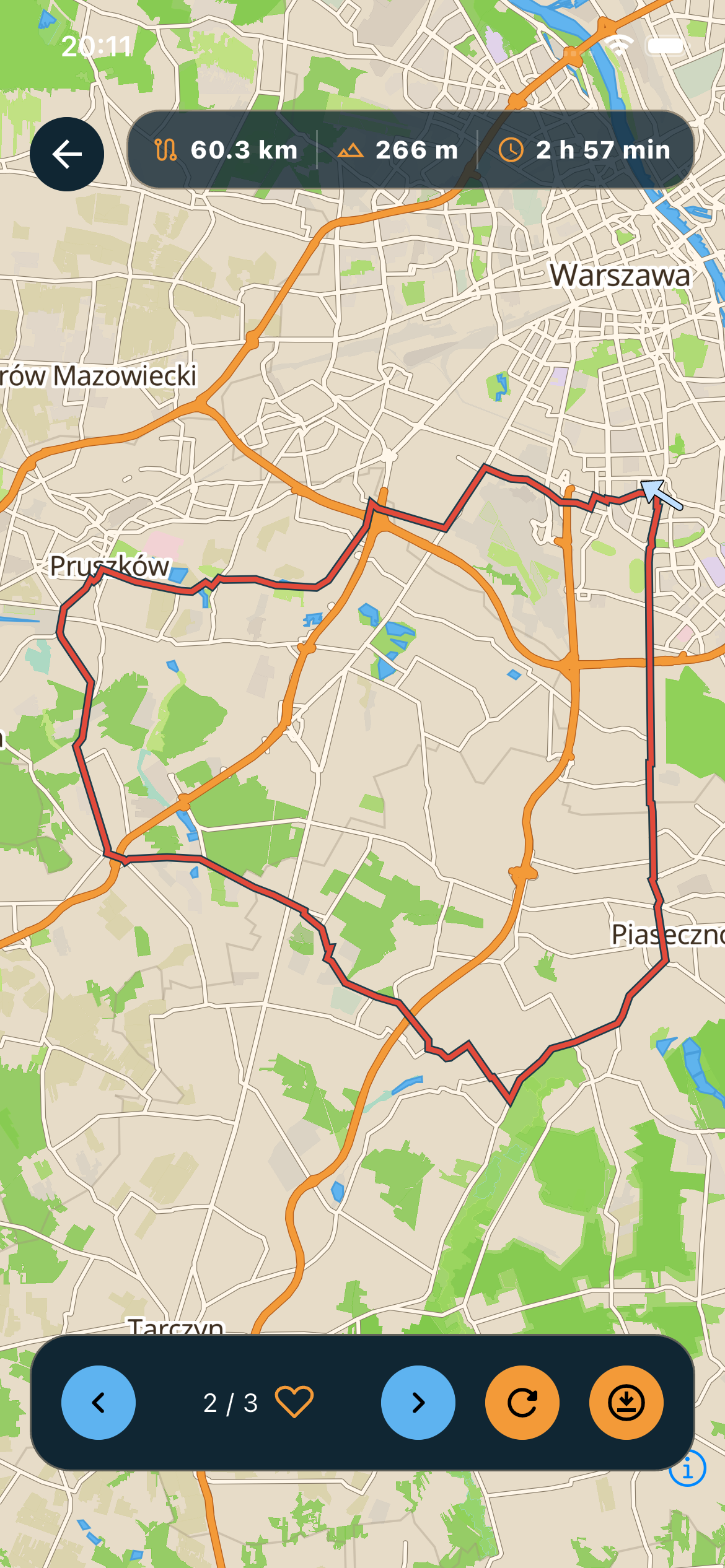
Import GPX, FIT or Strava routes and see how wind shapes the whole ride.
Check headwind, tailwind and crosswind on the route before and during the ride.
Segments still matter: compare effort on the climbs and pieces you care about most.
Use the smoother Live mode and see rain or storms when the weather turns.
How it works
Import GPX, FIT or Strava routes and keep the library local.
See headwind, tailwind and crosswind on the route and in live ride mode.
Compare effort on Strava segments, especially the ones you care about most.
See rain and storms when the forecast changes along the route.
Download
Common questions before the first ride
BikeWind helps you compare wind and route conditions before the ride, choose the better direction and pick a better time to leave.
Yes. Generate a cycling route in the app, or import a GPX or FIT file, or bring in routes from Strava.
Follow temperature, bike feels-like temperature, wind, gusts and precipitation along the route. You can also play the forecast on the map over time.
Yes. Ride without distractions. Open Route or Live whenever you want to check your position and see how the wind affects your ride. No unnecessary prompts — just the information you need.
BikeWind finds the best 15-minute opportunity using tailwind, gradient and riding direction. Strava connection is optional, and activities can be filtered by date.
Yes. Export a saved route whenever you need it in GPX or FIT format, ready to use in another compatible app or device.
Your routes and imported GPX/FIT files stay on your device. BikeWind does not send your local route library to its server.